End-to-End Encryption
Supports AES-GCM encryption. All bookmarks are encrypted before leaving your browser, and the encryption password is only stored on your local device, ensuring rock-solid data privacy.
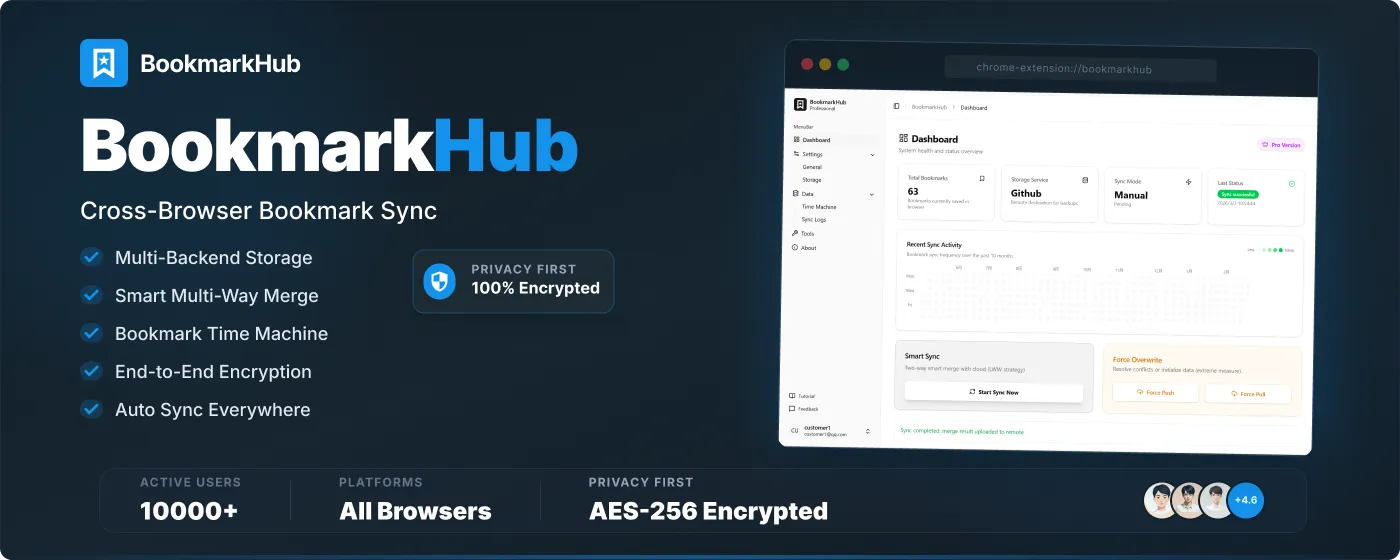
BookmarkHub is a cross-platform bookmark synchronization solution designed specifically for power browser users. It is not just a sync tool, but a secure steward for your bookmarks.
End-to-End Encryption
Supports AES-GCM encryption. All bookmarks are encrypted before leaving your browser, and the encryption password is only stored on your local device, ensuring rock-solid data privacy.
Data Ownership
Your bookmark data is stored in your own GitHub, Gitee, WebDAV, or S3 backend. We do not run any centralized servers, and ownership of the data belongs entirely to you.
BookmarkHub aims to break the “walls” between browsers. Whether you are using Chrome, Edge, or Firefox, you can enjoy a consistent bookmark experience.
| Browser Category | Support | Remarks |
|---|---|---|
| Chromium-based | Perfectly Supported | Chrome, Edge, Brave, Arc, Opera, Vivaldi, etc. |
| Firefox | Perfectly Supported | Supports standalone and major derivative versions |
| Safari | In Development | Currently adapting to Web Extension standards |
No more worrying about multiple devices modifying bookmarks simultaneously. Our merging algorithm intelligently identifies incremental changes, preserving as many of your favorites as possible.
You can choose your preferred storage platform based on your preferences:
Pro Features
Upgrade to BookmarkHub Pro to unlock core productivity tools:
BookmarkHub needs your support!